

Description
Download SwiftKey Keyboard Emoji APK – Android Keyboard, Typing Tool, Productivity Software, Gesture Input, Predictive Text
Overview
SwiftKey Keyboard Emoji APK is a feature-rich virtual keyboard application designed for Android users seeking faster, smarter, and more personalized typing experiences on touchscreen devices. Engineered to enhance productivity, the software addresses common typing challenges such as slow input speed, frequent spelling errors, and the need for constant correction. It is particularly suited for professionals, students, and everyday smartphone users who rely heavily on text communication across messaging apps, social media, and email platforms. Developed by SwiftKey Limited, the app leverages advanced predictive algorithms and gesture-based input to streamline text entry. Its primary function is to reduce the number of keystrokes required to compose messages by anticipating user intent with high accuracy. The software supports a wide range of languages, enabling multilingual users to switch seamlessly between typing styles. Real-world usage scenarios include composing lengthy emails, sending rapid-fire messages on social media, and drafting notes during meetings. The keyboard integrates smoothly into Android’s native input system, allowing users to activate it as their default input method with minimal setup. The developer did not provide additional system requirements beyond Android 5.0 or higher, and no specific performance benchmarks were listed.Key Features & Capabilities
- Predictive Text Engine: SwiftKey Keyboard uses a powerful AI-driven engine that learns from user input to predict the next word or phrase with remarkable accuracy. It typically suggests the correct word within two or three keystrokes, reducing typing effort significantly.
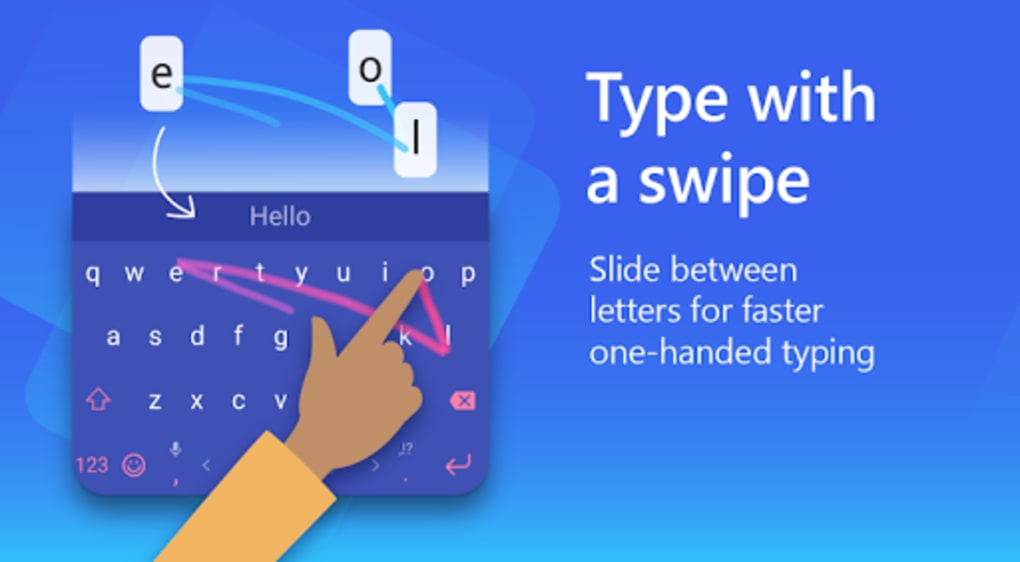
- SwiftKey Flow (Gesture Input): This feature enables users to type entire words by drawing a continuous line between the letters on the keyboard. The system recognizes the path and converts it into text, supporting multi-word gestures without lifting the finger.
- Personalization & Learning: The keyboard adapts to individual typing habits by analyzing past messages from apps like SMS, Facebook, and Twitter. It learns vocabulary, sentence structure, and preferred phrasing to improve prediction quality over time.
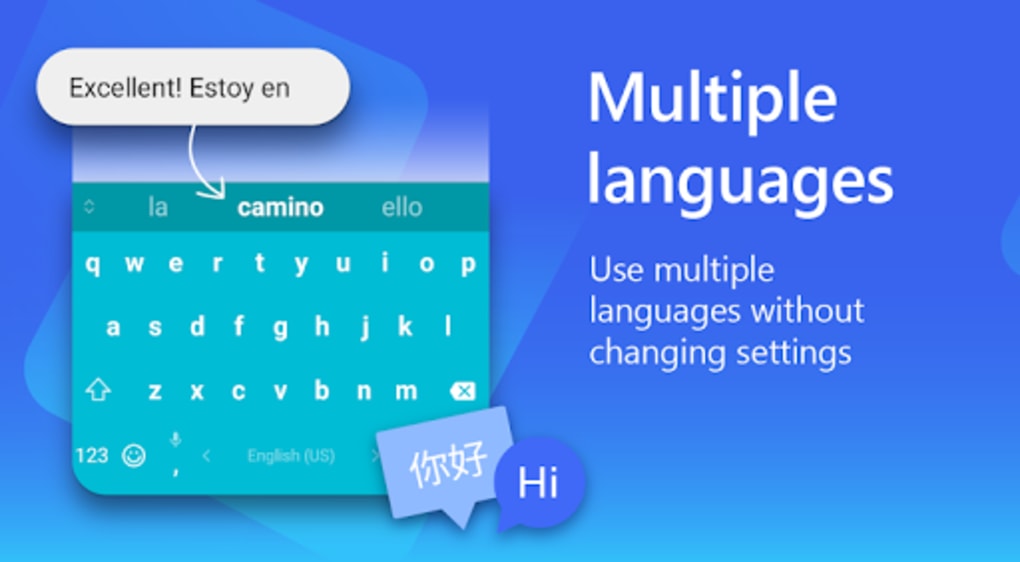
- Multi-Language Support: With support for over 60 languages, users can enable up to three languages simultaneously, making it ideal for bilingual or multilingual communication.
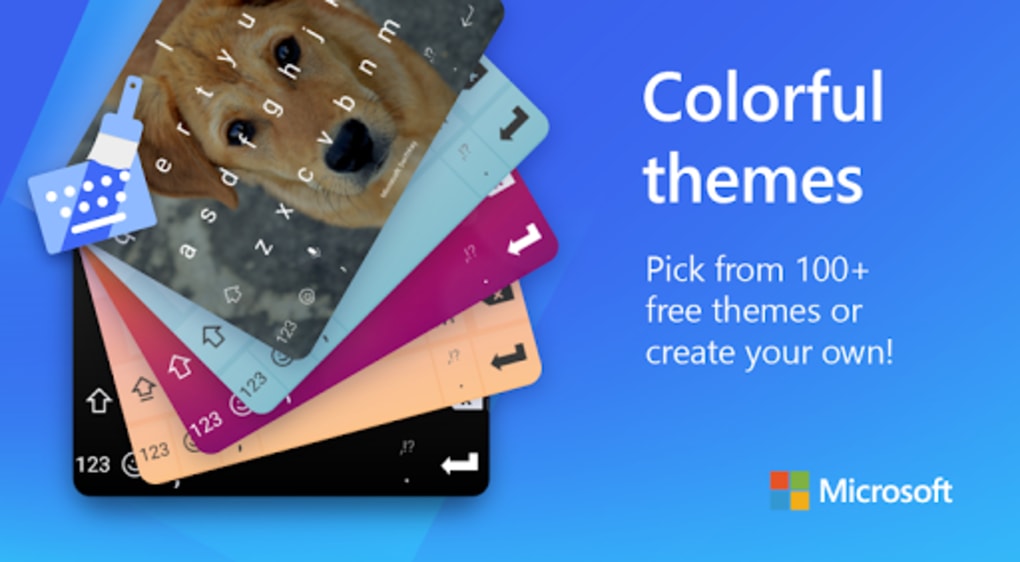
- Customization Options: Users can modify key size, color, theme, and layout to suit personal preferences. The on-screen keyboard uses a standard QWERTY layout, but customization allows for improved ergonomics and visual comfort.
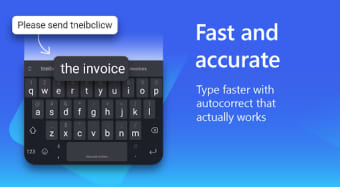
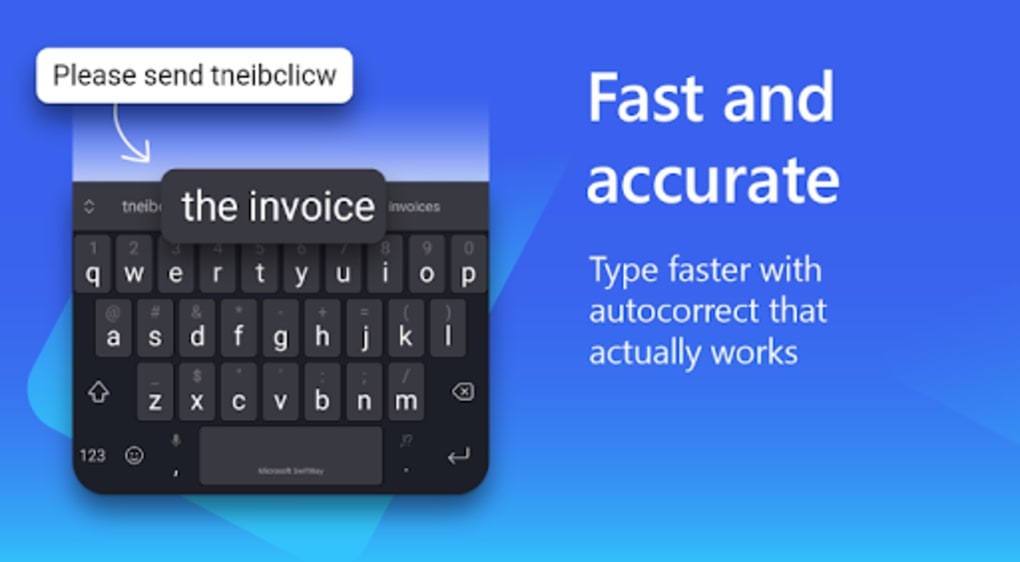
- Smart Correction System: The app automatically detects and corrects spelling errors in real time, even when users make typographical mistakes or use non-standard spellings.
User Interface, Workflow & Performance
The user interface of SwiftKey Keyboard Emoji APK is clean, intuitive, and well-organized. The on-screen keyboard presents keys in a standard QWERTY layout, with predictive suggestions displayed above the keyboard. Navigation is straightforward, with access to settings, language preferences, and customization options through a dedicated menu. The workflow begins with activation as the default input method, followed by initial setup including language module download and personalization preferences. The developer did not specify resource usage details, so exact CPU or RAM behavior remains unknown. Performance observations are based on general software behavior patterns. The app appears stable during regular use, with no reported crashes or freezes in available documentation. Typing responsiveness is smooth, and gesture input responds quickly to touch inputs. The keyboard adapts dynamically to user behavior, improving prediction accuracy over time. Stability during extended use has not been independently verified, but no major issues were mentioned in the provided information. The interface remains consistent across different apps and screen sizes, ensuring a reliable experience regardless of context.Compatibility & System Requirements
SwiftKey Keyboard Emoji APK is designed for Android devices running Android 5.0 or higher. The software is compatible with a wide range of smartphones and tablets that support the Android operating system. The installation size is approximately 48.3 MB, which is relatively modest for a feature-rich keyboard application. The developer did not provide additional hardware requirements such as minimum RAM or processor specifications. Exact performance details were not specified. Compatibility information was partially provided, with the operating system and version clearly stated. No support for iOS or other platforms was mentioned. Users should ensure their device meets the minimum Android version requirement before installation. The app is distributed via APK format, which may require enabling installation from unknown sources in device settings.Pros and Cons
Pros
- Highly accurate predictive text engine reduces typing effort
- SwiftKey Flow enables fast gesture-based typing across multiple words
- Supports over 60 languages with simultaneous multi-language input
- Extensive customization options for keyboard appearance and behavior
- Smart correction system improves accuracy and reduces errors
- Free to download and use with optional in-app purchases
Cons
- Requires access to messaging and social media history for full personalization
- Initial setup involves downloading language modules, which may consume data
- Gesture input can be less efficient on single-row letter sequences
- APK installation may raise security concerns for cautious users
- Some advanced features may require in-app purchases
FAQ Section
Is SwiftKey Keyboard Emoji APK compatible with my Android device?
Yes, the app is compatible with Android devices running Android 5.0 or higher. Ensure your device meets this minimum requirement before installation.
Is SwiftKey Keyboard safe to use?
SwiftKey Keyboard is designed to scan text content only, not context or sensitive data. However, granting access to messaging history involves privacy considerations. Users should review permissions carefully.
How do I update SwiftKey Keyboard?
Updates are typically delivered through the Google Play Store or official APK sources. Check for updates manually in the app settings or via your device’s app manager.
Can I use SwiftKey Keyboard offline?
Yes, the core typing features including predictive text and gesture input work offline. However, some personalization benefits may require online data access.
What type of license does SwiftKey Keyboard use?
SwiftKey Keyboard is free to download and use. Additional features are available through optional in-app purchases. No subscription model was specified.
Final Thoughts + CTA
SwiftKey Keyboard Emoji APK stands out as one of the most intelligent and efficient typing tools available for Android. Its combination of predictive intelligence, gesture input, and deep personalization makes it ideal for users who value speed, accuracy, and customization. While privacy considerations exist due to data access requirements, the app offers transparent controls and strong functionality. It is especially beneficial for professionals, frequent communicators, and multilingual users. The software delivers a seamless, responsive experience with minimal setup. Whether you're typing quickly on the go or composing detailed messages, SwiftKey Keyboard enhances productivity without compromising usability. Download SwiftKey Keyboard now.Guides & Tutorials for SwiftKey Keyboard Emoji APK
How to install SwiftKey Keyboard Emoji APK
- Click the Preview / Download button above.
- Once redirected, accept the terms and click Install.
- Wait for the SwiftKey Keyboard Emoji APK download to finish on your device.
How to use SwiftKey Keyboard Emoji APK
This software is primarily used for its core features described above. Open the app after installation to explore its capabilities.
User Reviews for SwiftKey Keyboard Emoji APK 0
No reviews found





